

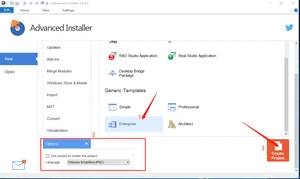
1.打开advanced installer软件
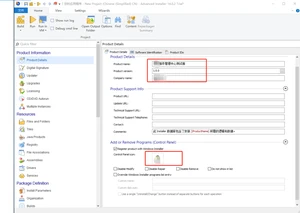
2.选中Product Details
3.选中Files and Folders–>选中Application Folder–>右击,选择Add Folder–>选中所需要打包的目录
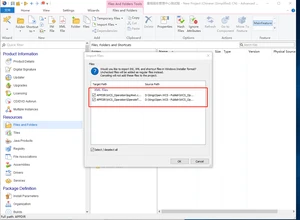
4.点击ok
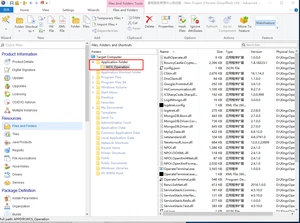
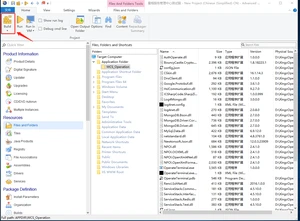
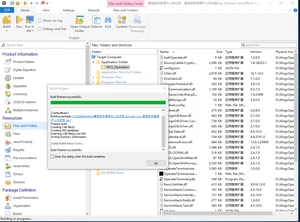
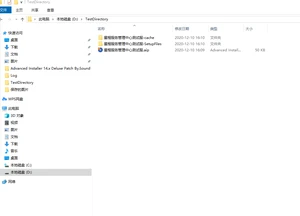
5.双击build
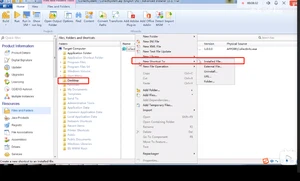
1.2 在弹出的下拉框中选择 New Shortcut to —->Installed File
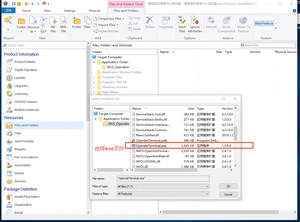
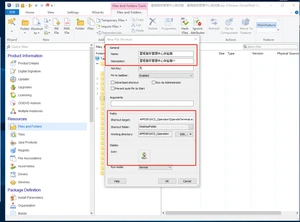
1.3双击build即可
2.Advanced installer实现安装过程中调用批处理文件
2.1创建test.bat文件,然后把test.bat文件添加到WCSOperation中
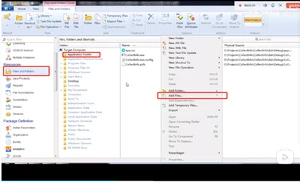
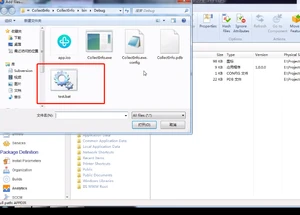
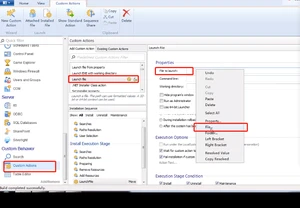
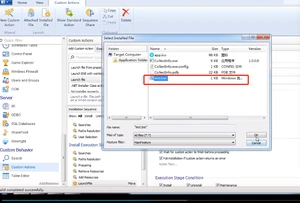
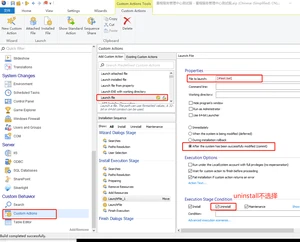
2.2双击build
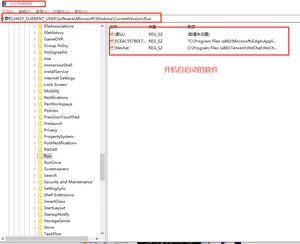
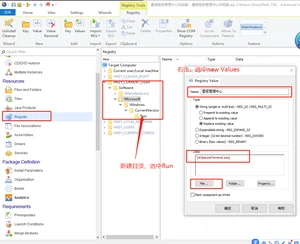
3.2 双击build
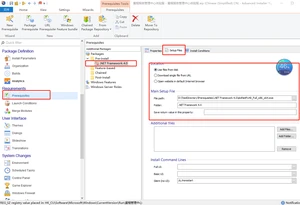
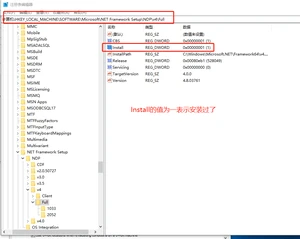
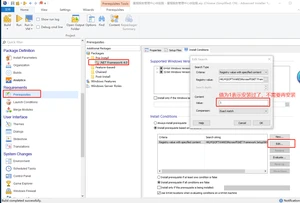
版权声明:
本文来源网络,所有图片文章版权属于原作者,如有侵权,联系删除。
本文网址:https://www.bianchenghao6.com/h6javajc/11516.html